If you’ve ever mixed a track and felt that your hard-panned instruments sounded a bit too “clinical” or “stuck” to the speaker, you aren’t alone. While the pan pot is our primary tool for creating space, it often leaves mono sources feeling like tiny, unnatural points in a void.
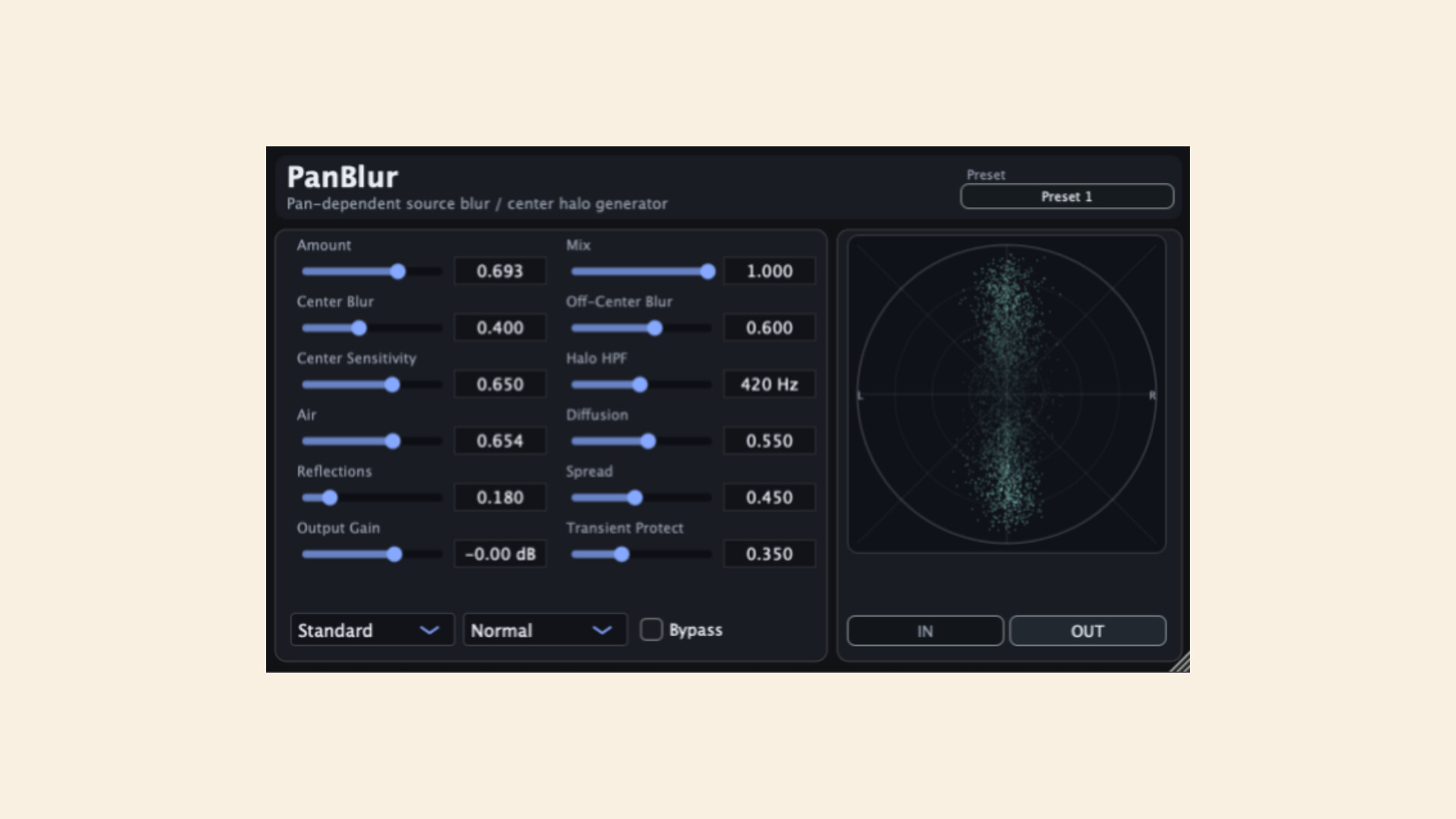
Enter PanBlur by bitterapple, a specialized spatial enhancement tool that aims to fix the “static” nature of traditional panning. Released in April 2026, it introduces the concept of “spatial blur”—a way to soften the edges of your sounds and create a more immersive, three-dimensional experience.
Most stereo wideners work by manipulating phase or adding chorus-like modulation. While effective, these methods can often lead to “mushy” mixes or phase cancellation issues when summed to mono.
PanBlur takes a different approach. Instead of just making a sound wider, it “blurs” the point-source nature of the signal. Imagine a single light bulb in a dark room (a standard panned mono track). PanBlur acts like a soft-box or a frosted lens; the light is still coming from the same direction, but it feels softer, wider, and more natural to the ear.
PanBlur isn’t just another “widener” plugin. It includes several workflow-focused features that make it a powerful addition to any DAW:
PanBlur shines in scenarios where you want a sound to feel “close” and “present” without the washiness of a long reverb tail.
Bitterapple has made PanBlur available as a free download for the audio community. It supports VST3, AU, and AAX formats on both macOS (11+) and Windows, making it accessible regardless of your preferred DAW.
If you’re tired of “thin” mixes and want to add a sense of organic space to your productions, PanBlur is well worth a spot in your plugin folder.
Ready to try it? Head over to the bitterapple website to download it and start blurring the lines of your stereo field.